xresconv-gui 3.0
The GUI uses xresconv-conf XML to manage items, output matrices and conversion events. Version 3.0 uses Tauri 2 and a separate Node.js backend. Extract the complete release package to run it. See Installation and Quick start.
Load and select
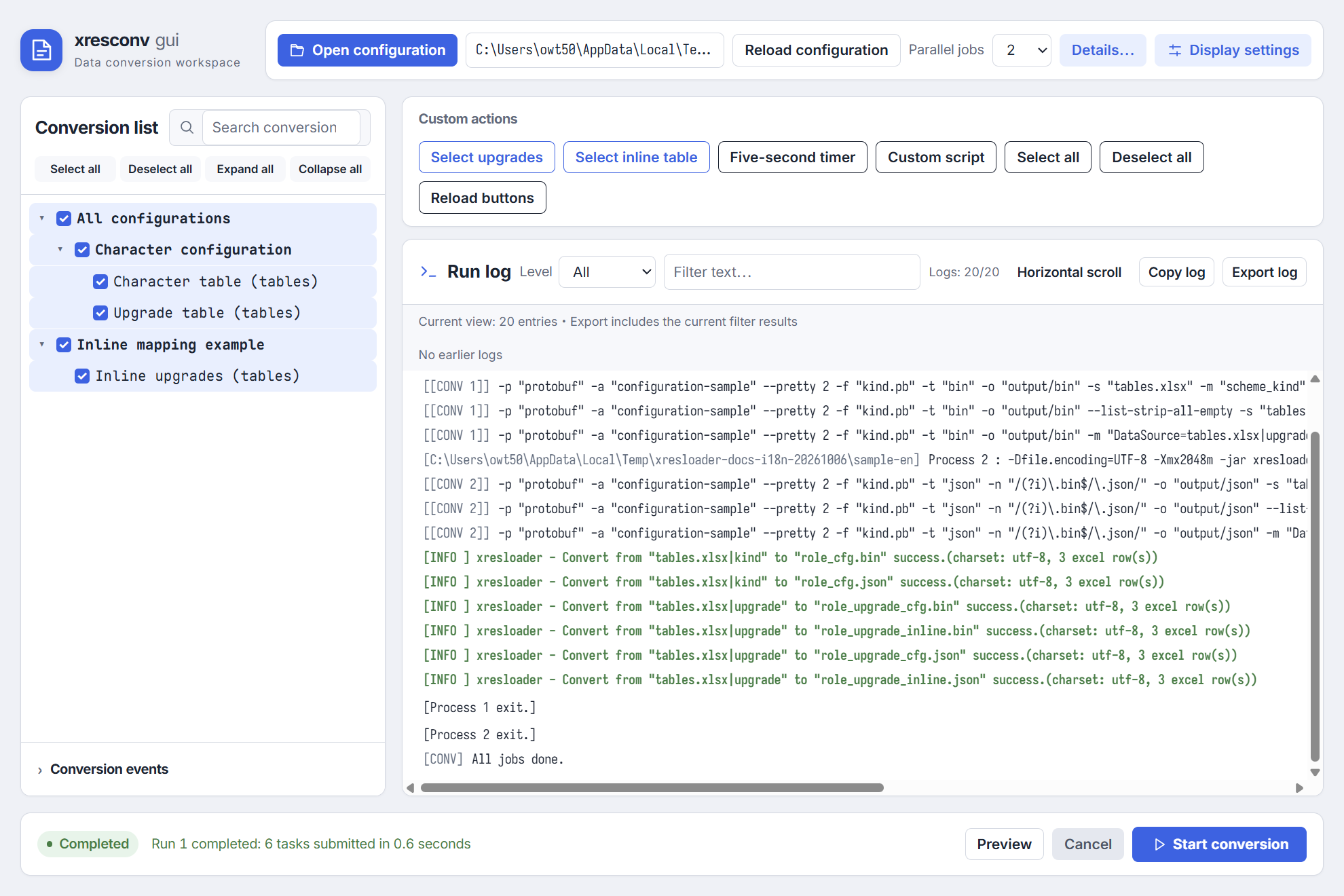
Open XML, expand categories in the left tree and select items. A partially selected parent means some eligible descendants are selected; unavailable items do not participate in Select all. Search changes visibility while preserving selections. Conversion includes every selected item that matches output conditions, including hidden matches.
A failed load preserves the committed session. After editing the file, use Reload configuration. Reload is unavailable during conversion and cancellation cleanup.
Details and output matrices
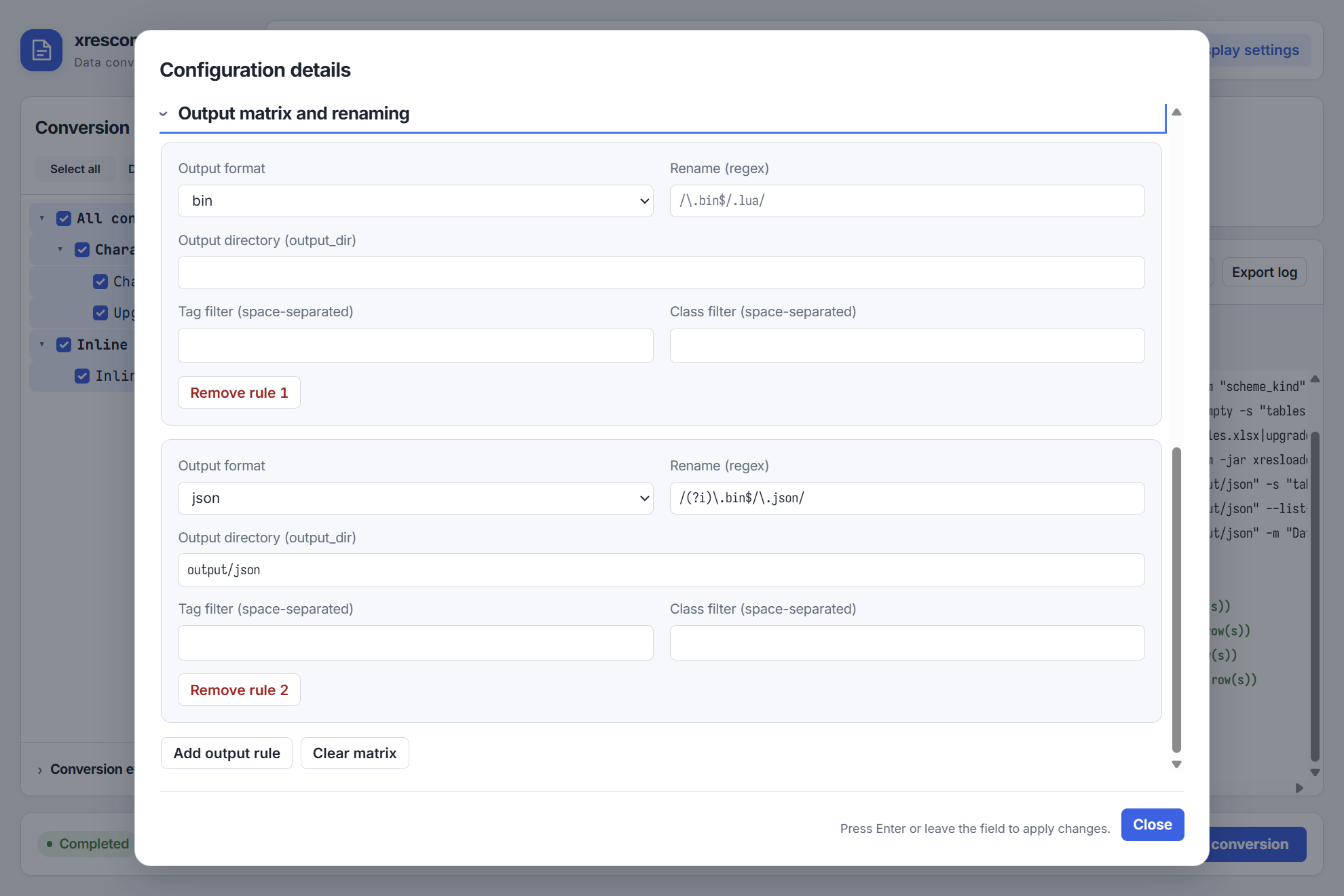
Check the working directory, JAR, schema, data sources and data version. The backend confirms settings changes; the preview and settings fixed for the run determine execution.
Each format can have its own renaming, directory and tag/class conditions, falling back to global values when unset. Preview shows commands, target paths and output conflicts. Confirm items and paths before starting; see XML configuration.
Start, cancel and results
A run executes before-conversion events, Java conversion and after-conversion events in order. Parallelism defaults to 2, with a range of 1–16; selecting more than 6 requires confirmation. Cancellation stops dispatch and waits for scripts, Java and owned subprocesses to finish cleanup. Start another run only after cleanup completes.
Without reliable per-item acknowledgment for stdin batches, the UI reports batch results and submitted task counts. Inspect logs and files to confirm individual outputs. Preview does not execute conversion; batch status does not independently confirm every item.
Logs and troubleshooting
Logs support level/text filters, virtual scrolling, copying and export. Copying uses the frontend window; export pages through backend-retained logs under the current filters. Evicted entries cannot be recovered. For complete long-term logs, configure a log4js file appender with --log-configure.
Java diagnostics, script exceptions, backend faults and persistence errors appear in logs. Overload reports skipped or dropped counts. Check Java and paths first, then conversion and script errors; see FAQ.
Display and language
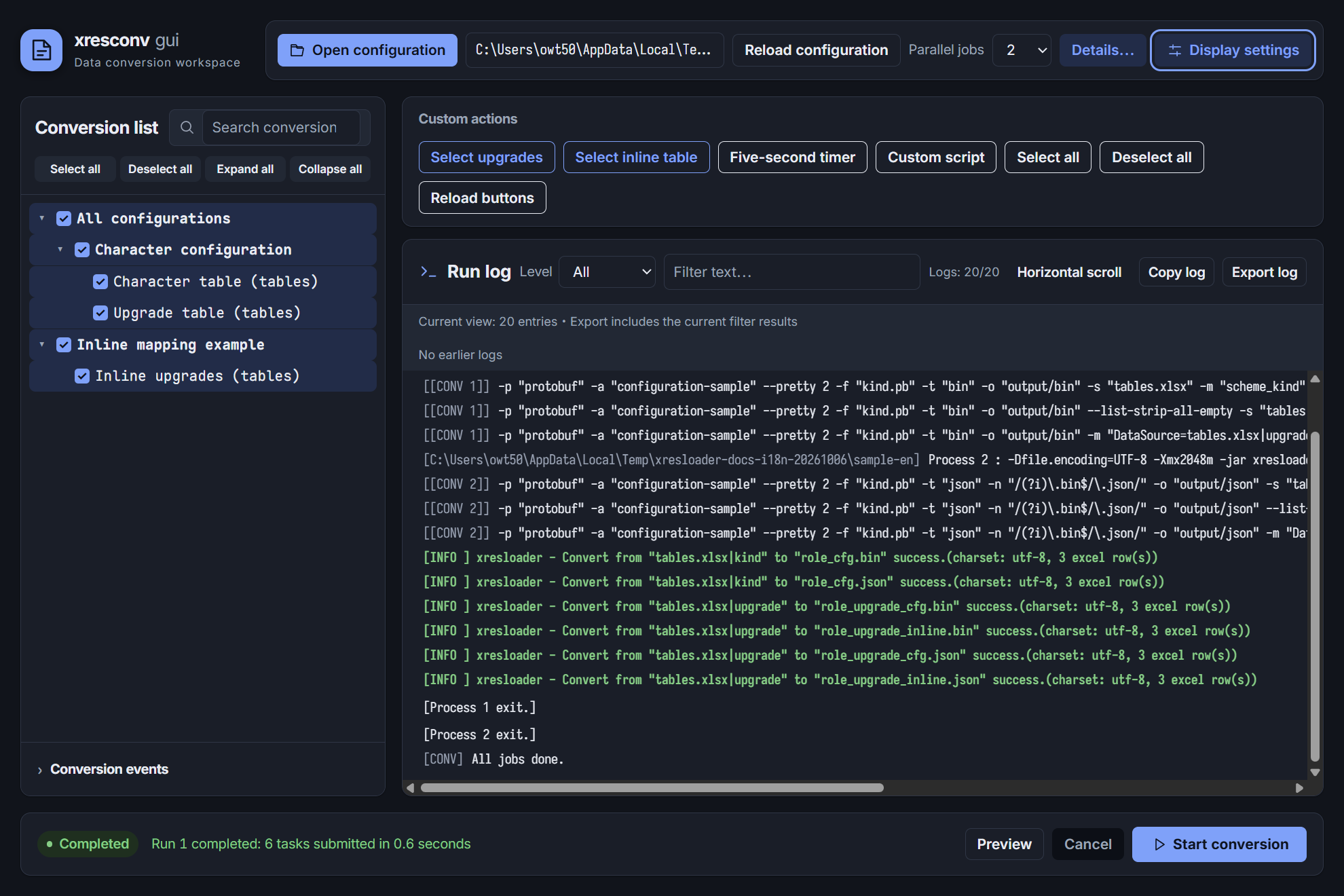
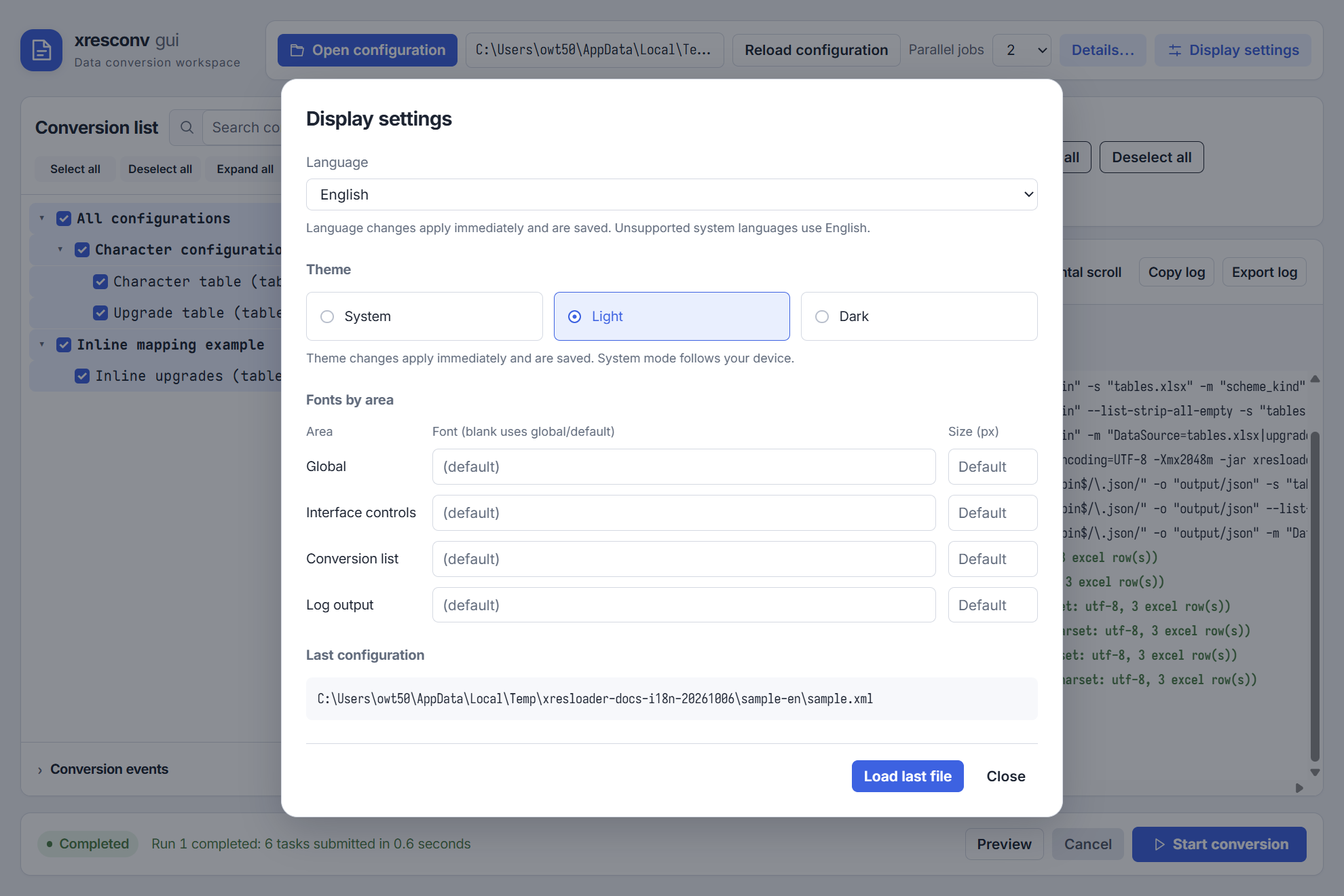
Display settings provide light, dark and system themes, font size and fonts. Languages include System, English, Simplified Chinese, Traditional Chinese, Japanese, German, French and Spanish. Unsupported system languages fall back to English. Changes apply immediately, persist, and preserve sessions and selections.
For the screenshots here, the released app is explicitly set to English and loads the English starter ZIP. Website language does not change the separately running desktop app. Set its language in Display settings.
Configuration names, paths, script dialogs and raw converter logs retain source text. Application-generated messages use the language active when recorded; switching does not rewrite earlier logs. Use matching project labels and scripts when preparing localized examples.
The Windows desktop app allows WebView2 LocalFonts for its current origin before enumerating fonts. Failures retain preset fonts and manual input. Browser previews follow browser permission policy.
Startup options
xresconv-gui --input convert.xml
xresconv-gui --custom-selector selectors.json
| Option | Purpose |
|---|---|
--input <path> | Load XML after startup |
--custom-selector <path> | Load selector JSON; repeatable |
--custom-button <path> | Alias for the selector option |
--log-configure <path> | Additional log4js configuration |
--debug-mode | Debug flag; see upstream development documentation |
Relative startup paths use the launch working directory. --debug-mode does not promise the old Electron developer tools.
In 3.0.0, --input and --custom-selector together can race during startup and omit custom buttons. Start with only --custom-selector, wait for the UI, then open XML. See FAQ.
{
  "appenders": { "file": { "type": "file", "filename": "conversion.log" } },
  "categories": { "default": { "appenders": ["file"], "level": "info" } }
}
File logging has a queue and shutdown deadline. Close normally and check persistence errors before archiving logs. Custom appenders execute code and should come from trusted sources.
Migrating from Electron 2.x
- XML, output matrices and common events remain usable. Save UTF-8 and check includes and script errors.
- Events and buttons execute in independent Node.js workers without DOM, jQuery, Electron or default console. Use
log_*and explicitly callresolve()/reject(). - Compatibility tree nodes are versioned mirrors, without shared frontend objects. Migrate DOM-dependent code, dynamic node changes and direct core-field edits.
- The UI organizes operations around load, reload and cancel. It no longer resets an Electron window.
- Package formats and WebView prerequisites changed. Linux provides tar.zst and AppImage packages.
See Scripts and selectors and Architecture.